Automotive
 Aviation
 Defense & Public Safety
 Manufacturing
 Logistics
 Public Transport
 Mobility
 Energy & Utilities
 Smart Farming
 Smart Buildings
 EV charging
 Healthcare
 Retail
 Media & entertainment
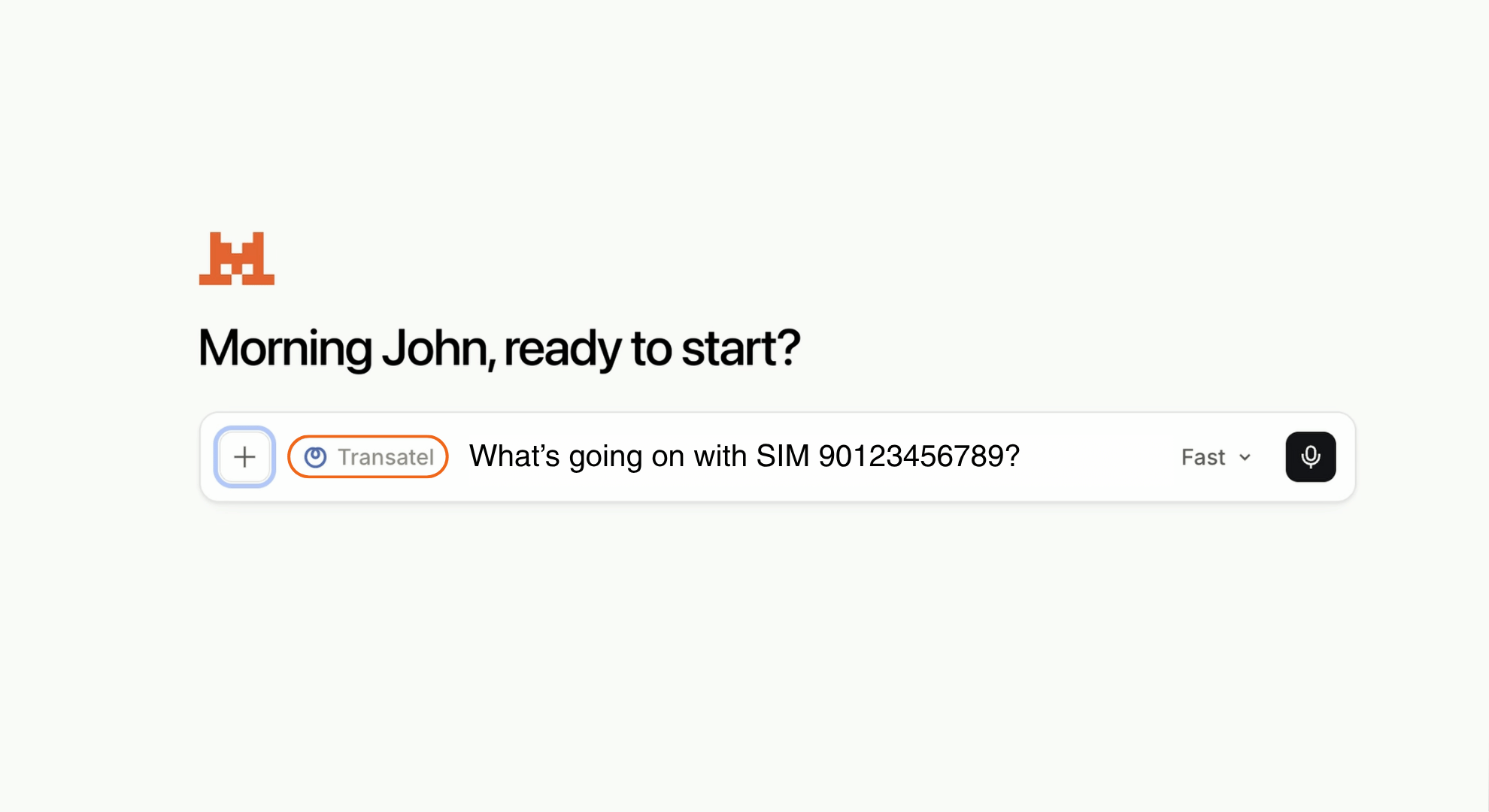
For years, managing an IoT SIM fleet meant logging into portals, exporting CSVs, cross-referencing usage reports and filing support tickets. The data was there. Getting to it was the problem.
That’s changing fast. AI assistants are moving from answering general questions to working inside enterprise systems. An open standard called the Model Context Protocol (MCP) is the infrastructure making it possible, and an MCP server is what connects it to your fleet.
From chatbots to operational AI agents
The first wave of enterprise AI was about conversation: summarizing documents, drafting emails, answering questions from a knowledge base. Useful, but disconnected from the systems where real work happens.
The second wave is different. AI agents now connect directly to live data sources, APIs, and internal tools. Instead of asking an AI “what is roaming?” you can ask it “why has this device stopped sending data in Germany?” and get an answer based on real, live connectivity data.
This shift is being driven by a new category of infrastructure: AI agent tooling. And at the centre of it is MCP.
What is an MCP server?
MCP (Model Context Protocol) is an open standard, originally developed by Anthropic and now governed by the Linux Foundation’s Agentic AI Foundation, that defines how AI applications connect to external systems. An MCP server is what sits on the enterprise side of that connection: it exposes a system’s data and tools to any compatible assistant.
Think of it as the USB-C port for AI. One standardised interface, and any MCP-compatible assistant, Claude, Mistral, ChatGPT, Cursor or a custom agent, plugs in and reaches the tools behind it.
Before MCP, every combination of AI model and system needed its own integration. With MCP you build the connection once, and every compatible assistant can use it.
Adoption has been quick: over 97 million monthly SDK downloads as of early 2026, backing from Anthropic, OpenAI, Google DeepMind and Microsoft, and more than 10,000 public MCP servers live. Forrester estimates 30% of enterprise software vendors will ship an MCP server in 2026.
Why IoT SIM fleet management is a natural fit
IoT operations are data-rich and question-heavy. Fleet managers, IT ops teams and support engineers spend a large share of the week answering questions that are simple in theory and slow in practice:
- Which devices haven’t connected in the last 24 hours?
- What network is this SIM attached to right now?
- Which SIMs in this group are consuming the most data this month?
- Why did this device drop connectivity yesterday in Japan?
Everyone has a clear answer sitting inside your connectivity platform. The friction isn’t the data. It’s the process of retrieving it: navigating portals, filtering tables, exporting reports, escalating tickets. None of that is analysis. All of it is retrieval.
“Your connectivity data has the answers. Getting to them shouldn’t be the job.” says Cédric Jarkovsky, Head of IoT Products at Transatel
An AI agent with direct access to live data removes the retrieval step. You ask in plain language. The agent queries the system, interprets the result and answers in seconds instead of support cycles.
Transatel’s in-house MCP Server: A new interface for IoT connectivity
Transatel has built an MCP server that gives any compatible AI assistant secure, real-time access to your IoT connectivity data
- Before. Log into the portal, filter by group, export to CSV, cross-check last-session timestamps in a spreadsheet, raise a ticket for the three SIMs that look odd.
- After. “Which SIMs in the Nordics group haven’t attached to a network in the last 24 hours, and what was their last known operator?”
What’s already available on Transatel’s MCP server:
- Find any SIM or group in plain language, without building a filter
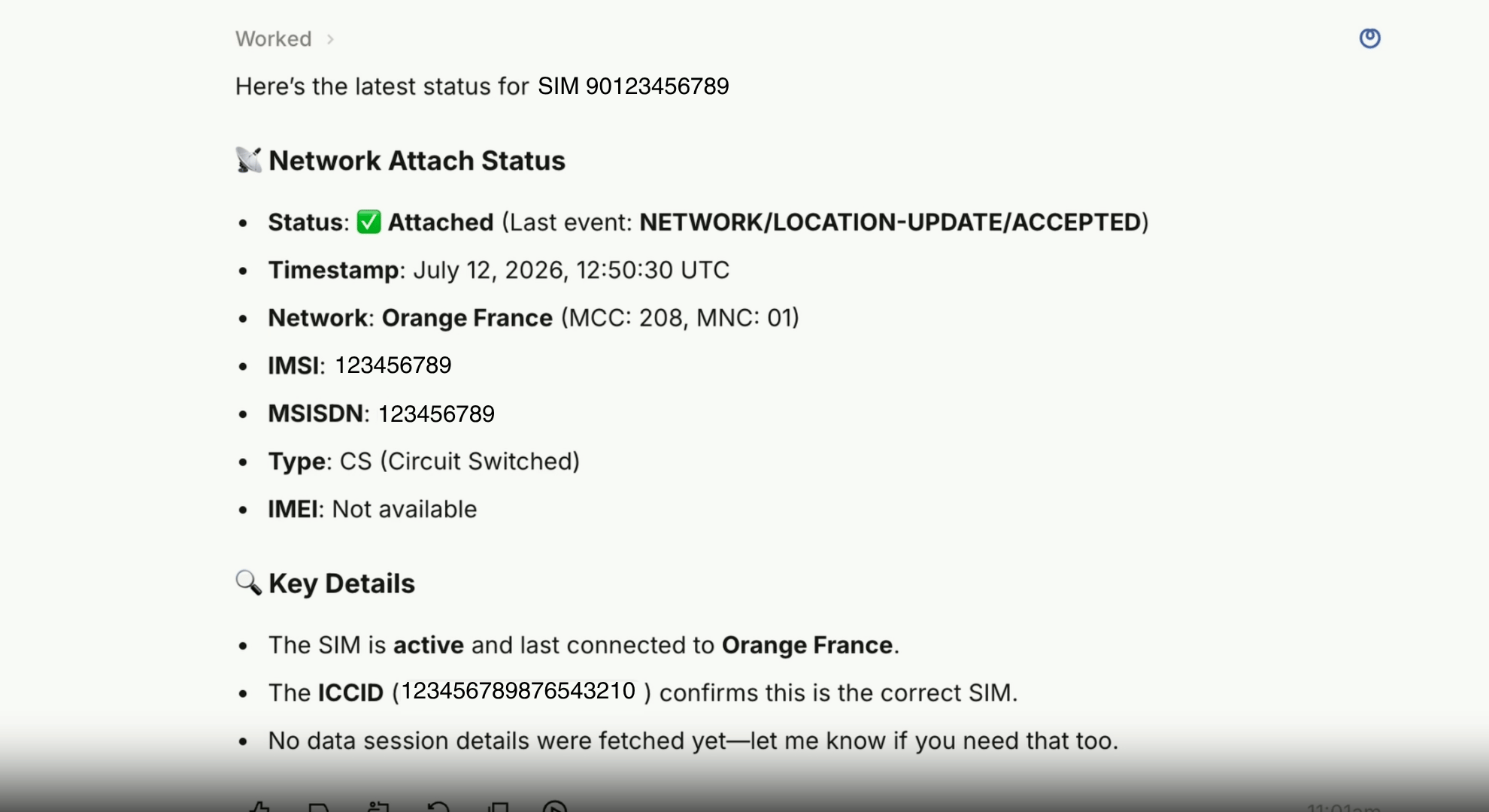
- Diagnose why a device dropped connectivity, with attachment and session history returned as one answer
- Spot usage anomalies across a cohort before they turn into an invoice
- See where your fleet is actually connected, by network and by country
Explore the full list of available tools here.
Your assistant can observe, analyse and diagnose. It cannot activate, suspend or change a single line of your configuration. Access runs on OAuth 2.1, scoped to your account and revocable at any time. It is built on the same production APIs that already run thousands of enterprise fleets.
Nothing to host, nothing to build, no integration to maintain: From zero to first diagnostic in 4 steps
1. Connect
Add the Transatel MCP server to Claude, ChatGPT, Mistral or any MCP-compatible client. It is a hosted endpoint, so setup is a configuration step, not a development project.
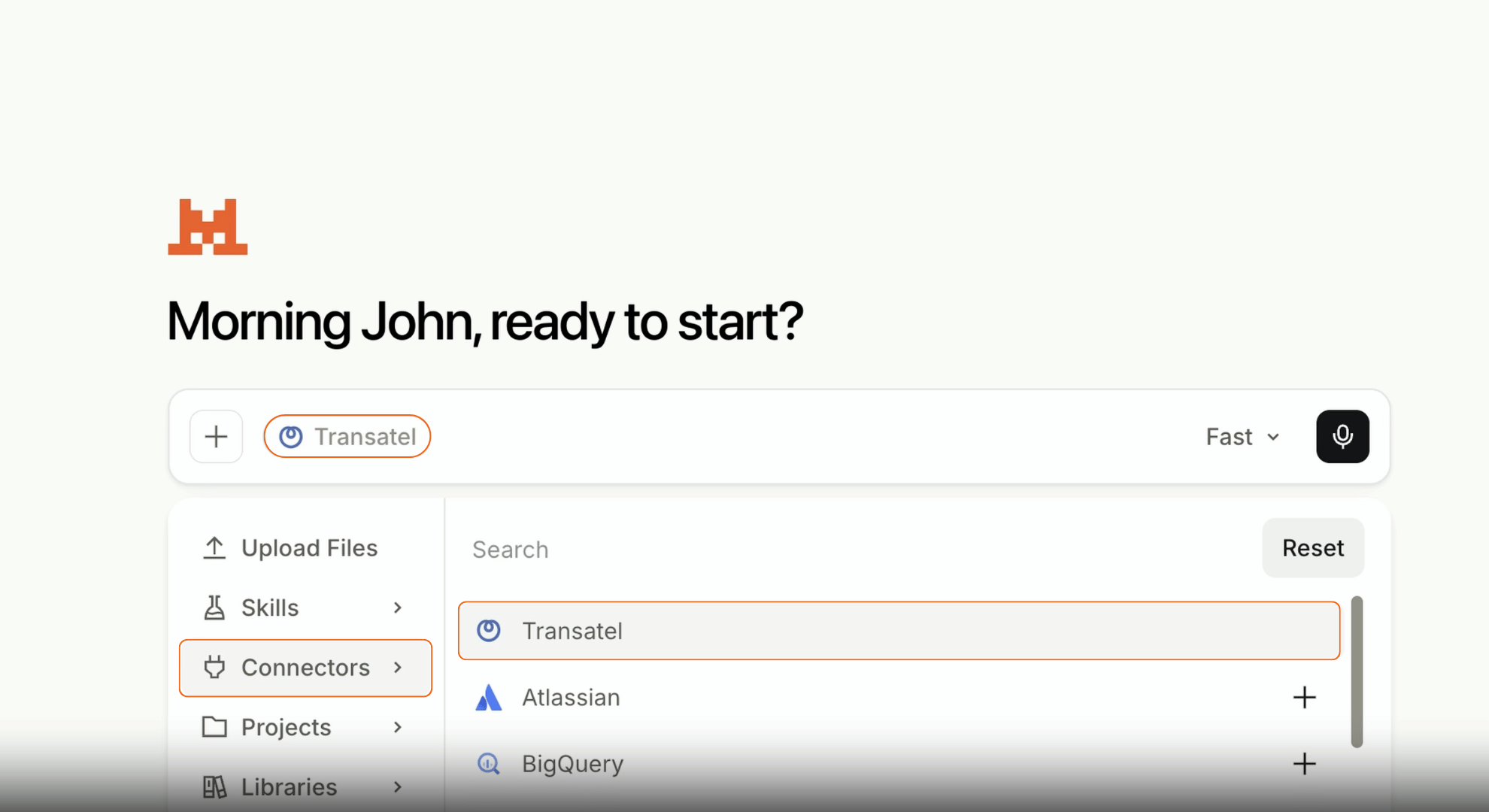
2. Authenticate
Sign in with your existing Transatel account over OAuth 2.1. Access is scoped to your account and revocable at any time.
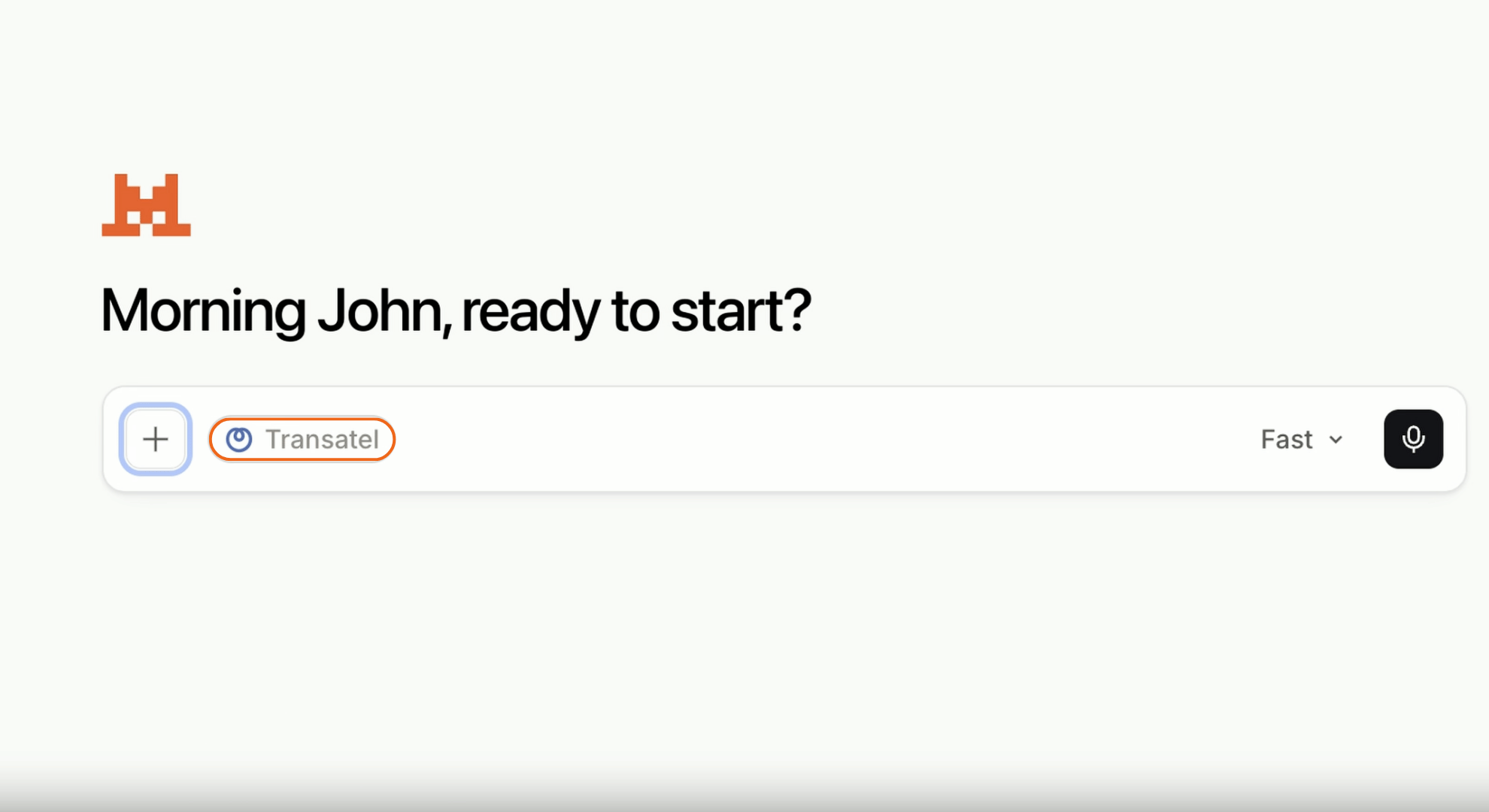
3. Ask
Type your question the way you would ask a colleague. No query syntax, no filters, no export.
4. Act
The assistant queries the platform, interprets the result and returns a diagnosis rather than a data dump. What used to be a support cycle is now a conversation.
What’s next for Transatel’s AI-ready connectivity
The Transatel MCP Server is only the beginning. As AI assistants become a natural interface for enterprise software, we will continue expanding the ways customers can interact with their connectivity services through secure, AI-ready experiences.
This first release is deliberately narrow: read access, the tools operations teams reach for most often, and nothing that touches your configuration.
What follows keeps the same principle. Faster, simpler, easier to scale, without giving up the security and reliability enterprise connectivity demands.
Run your first diagnostic
Already a Transatel customer? Request beta access, connect your assistant and run your first diagnostic in a couple of minutes.
New to Transatel? Book a demo and see it run against a live fleet.
An MCP server is an endpoint that exposes a system’s data and tools to AI assistants through the Model Context Protocol, an open standard originally developed by Anthropic. Instead of building a separate integration for every AI model, a system publishes one MCP server, and any compatible assistant can connect to it.
Minutes, and no. The server is hosted, so there is nothing to deploy or maintain. Add the endpoint to your AI assistant, authenticate with your existing Transatel account, and ask your first question. It is a configuration step, not a development project.
An API defines how software talks to a system. An MCP server defines how an AI assistant discovers and uses that system. The Transatel MCP server sits on top of our existing APIs and describes each available tool in a way the assistant can reason about, so it knows which call answers your question without being told.
It connects your AI assistant directly to live connectivity data. You ask a question in plain language, the assistant calls the relevant tool, reads the result and returns an interpreted answer. Diagnosing a silent device or checking which SIMs are consuming the most data becomes a single prompt instead of a portal session.
That depends entirely on how the server is built. The Transatel MCP server is read-only and authenticated with OAuth 2.1, scoped to your account and revocable at any time. An AI assistant can observe, analyse and diagnose your fleet. It cannot activate, suspend or reconfigure anything.
Transatel does not use your data for model training. What the AI assistant does with data returned to it is governed by your agreement with that assistant’s provider, so enterprise plans from Anthropic, OpenAI and Mistral typically exclude business data from training by default.
Any MCP-compatible client, including Claude, ChatGPT, Mistral etc., plus custom agents built on the protocol. Because MCP is an open standard, you are not tied to one AI vendor. If your organisation standardises on a different assistant later, the connection carries over.